An open-source, off-grid, decentralized, mesh network built to run on affordable, low-power devices. We use it for local experimentation, emergency-ready comms, and community-scale networking.
ℹ️ What is Meshtastic?
Meshtastic is an open-source project that enables long-range, low-power communication using inexpensive LoRa radios. Devices form a mesh network that works without internet, cell service, or centralized infrastructure.
Messages hop from node to node, extending range automatically. Power consumption is often low enough to run for days or weeks on battery (depending on hardware).
🚀 Quickstart
- 📟 Purchase a supported Mesh device. We have some recommendations you should check out.
- ⚡ Flash the firmware onto your device with the Meshtastic Web Flasher.
- 📱 Get the mobile app and connect to your device via Bluetooth. (Android / Apple)
- ⚙️ Configure your device with the recommended settings.
- 🎉 Congrats, you are now part of the mesh! 🥳
⚙️ Recommended Settings
LoRa
Region: US
Preset: Long Range - Fast
A good balance of range, reliability, and airtime for Fresno's flatter terrain and relatively sparse node density. Slower presets increase range but can significantly increase congestion.Ignore MQTT: Recommended ON
Enable this to ignore traffic that has been downlinked from the internet.OK to MQTT: Recommended OFF
Leave disabled unless you explicitly want your messages bridged to the internet.Number of Hops:
Personal/Chat Node: 6
5 is fine if you want less network chatter.Infrastructure Node: 5
4 minimum. Use 6 for very high, well-placed nodes with a specific bridging purpose.Fewer hops reduces airtime and congestion. More hops increases reach but can slow the network. Fresno currently benefits more from reach than extreme congestion control.
Channels
| Channel | Key | Description |
|---|---|---|
| Blank (Default) | AQ== | Primary public channel for general mesh traffic. |
TowerMesh | vySS2Q6fJdeCQawzkWChzm9Lll0ygltmAKcogdC+zIM= | Hyper-local mesh focused on the Tower District and surrounding neighborhoods. |
RootAccess | h8gwZBuMRdmu8Y0S4YeoOwgBftmlAgusGvPCMwGJ4Q0= | Specific to the space and everything we do here. |
User
- Long Name: Something descriptive. Ex: Your name, Discord Handle, or HAM Callsign. You can even include an email or website.
- Short Name: Max of 4 characters, something unique to you and that particular radio. This is what is displayed in the chat.
- Licensed Amateur Radio (HAM): Do not enable unless you are a licensed Amateur Radio operator. Enabling this will prevent you from communicating on default Meshtastic channels.
Device
- Device Role
- Client Mute: Best for vehicles, mobile nodes, or any time you have multiple nodes in the same location. Does not relay traffic from other nodes.
- Client: Recommended default for most users, including home base stations and single primary nodes. Relays messages and participates fully in the mesh.
- Router / Repeater: Do not use unless you understand the tradeoffs and have a specific need. Misconfigured routers can harm mesh performance. The Client role already relays messages effectively.
- 📗 Meshtastic Blog: Choosing the Right Device Role
💬 Community
Local Mesh
Central Valley Mesh
Regional Meshtastic community from Bakersfield to Stockton.Fresno Mesh
Community-driven initiative dedicated to building a Meshtastic network across Fresno.
Discord Servers
📡 Hardware
For use in the US, make sure you purchase 915 MHz hardware and configure the device region accordingly.
Where to Buy Hardware
Data Alliance
A long-established RF and wireless supplier offering antennas, coax, connectors, and test equipment. Useful for sourcing higher-quality antennas and RF components beyond hobby-grade gear.Rokland
A popular Meshtastic-focused retailer carrying preconfigured radios, antennas, solar kits, and accessories. A convenient one-stop shop for both beginners and fixed-node deployments.Amazon works in a pinch, but antenna quality and RF specs can be inconsistent.
Recommended All-in-One Devices
Handheld / Portable
WisMesh Pocket
Fully integrated handheld Meshtastic device with built-in battery, display, GPS, and enclosure. Good for mobile use, field testing, and users who want a polished, ready-to-use experience.WisMesh Pocket Mini
Lighter, smaller, and cheaper than the Pocket, with no built-in display or GPS. Well-suited for pocket carry or bag-mounted use when size and weight matter.Heltec v4
A newer ESP32-S3-based development board with improved performance and USB-C. Requires a case, battery, and antenna, but offers flexibility for DIY builds and experimentation.
Fixed Solar Setups
WisMesh Repeater System
A complete, outdoor-rated solar-powered Meshtastic repeater designed for permanent installations. Intended for rooftops, towers, and remote locations where continuous operation and reliability are required.WisMesh Repeater Mini
A rugged solar repeater suitable for semi-permanent installs in remote areas. Useful for extending coverage, filling gaps, or bridging separate mesh clusters.
3D Printable Cases
WisMesh Pocket V2 case
The default enclosure for the WisMesh Pocket, for when you want different colors, materials, or print finishes beyond the stock options.@TonyG on Printables
A collection of well-designed cases that cover many popular Meshtastic boards and configurations.Finding additional cases:
Available Hardware
Root Access has a small pool of shared tools and hardware to support Meshtastic experimentation, antenna tuning, and node building:
- NanoVNA V3 Vector Network Analyzer 4.3 — https://nanovna.com/
- Random LoRa antennas (various gains and form factors)
- Antenna adapters
- N-Type ↔ SMA/SMA-RP
- SMA ↔ RP-SMA
- IPEX / U.FL adapters
- Extra 3D printed cases for common Meshtastic boards
🗺️ Maps and Coverage
Network Maps
- MeshMap
- Meshtastic Map by Liam Cottle
RF and Line-of-Sight Tools
- Meshtastic Site Planner
- Distance-to-Horizon Calculator
- Topographic height heatmap
- heywhatsthat.com
- RF Line-of-Sight Visualizer
📸 Gallery

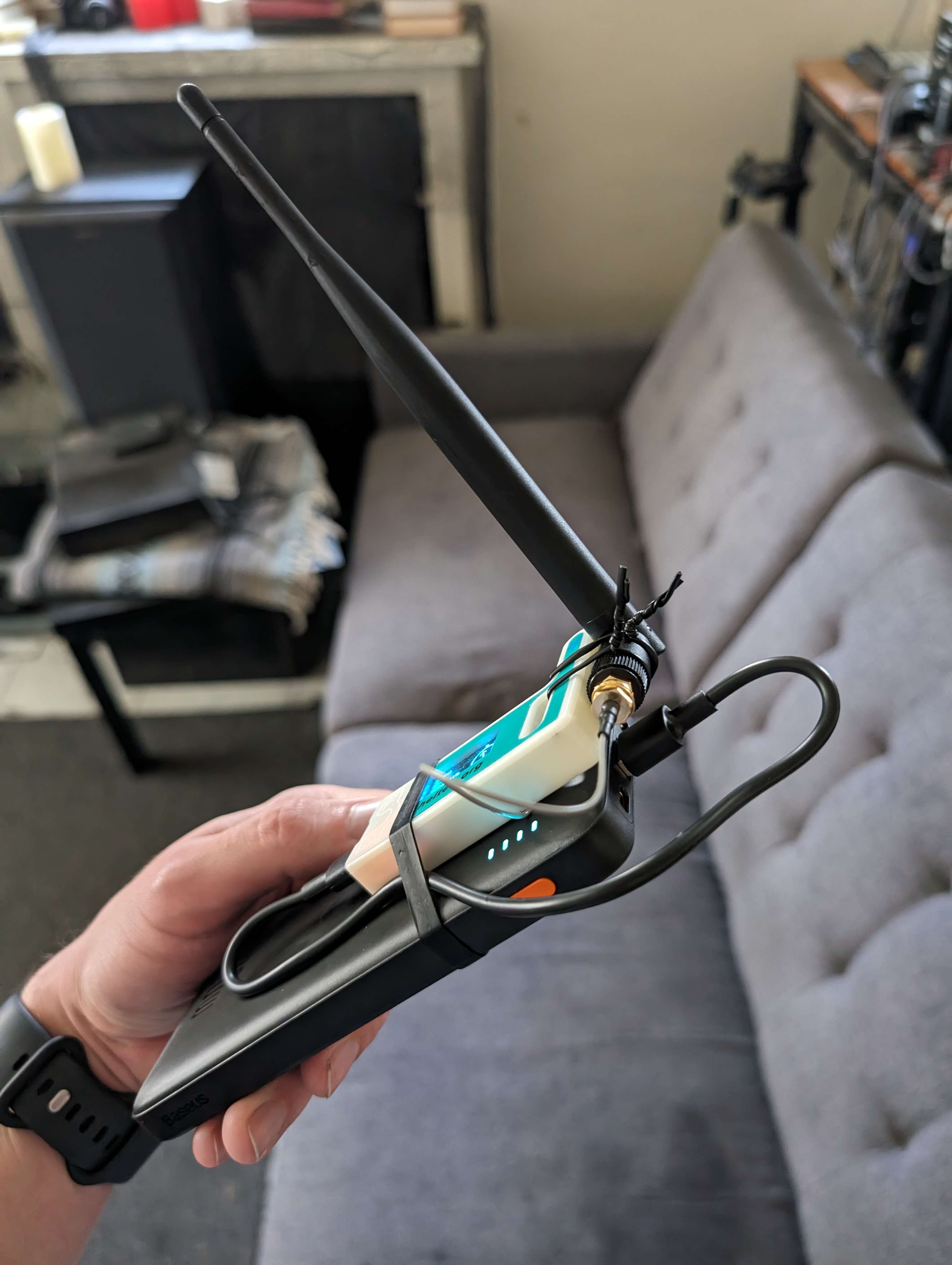
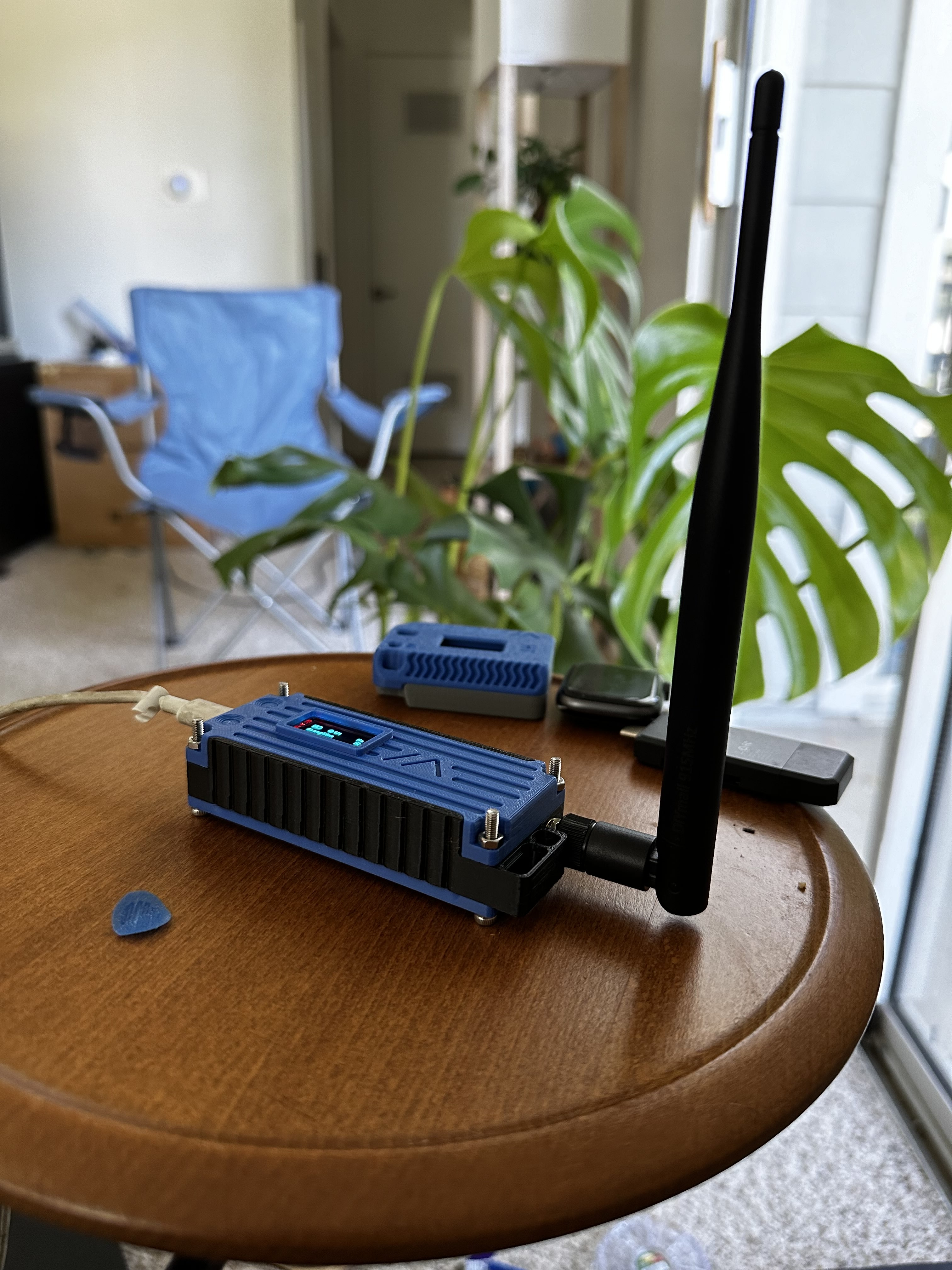
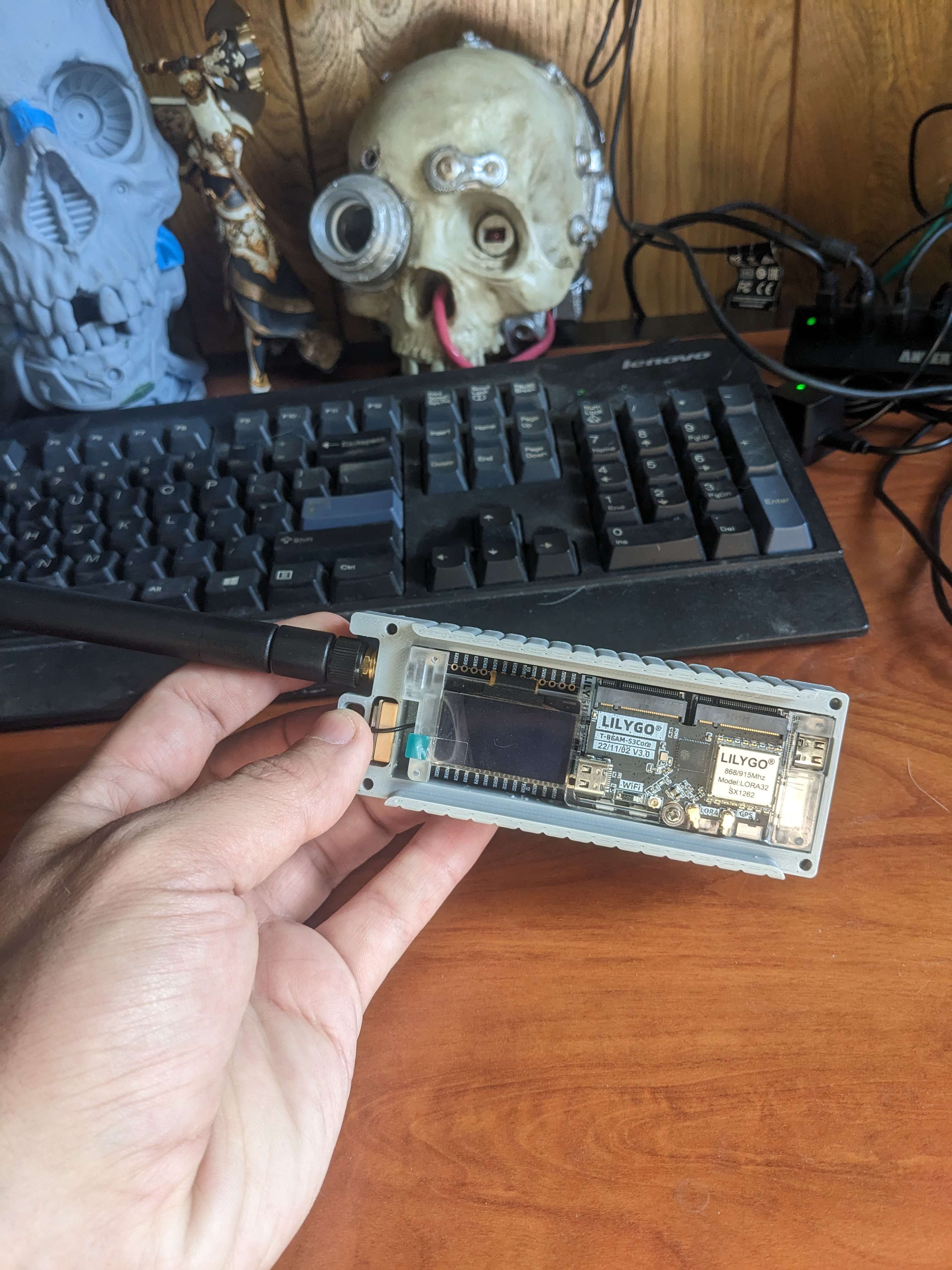
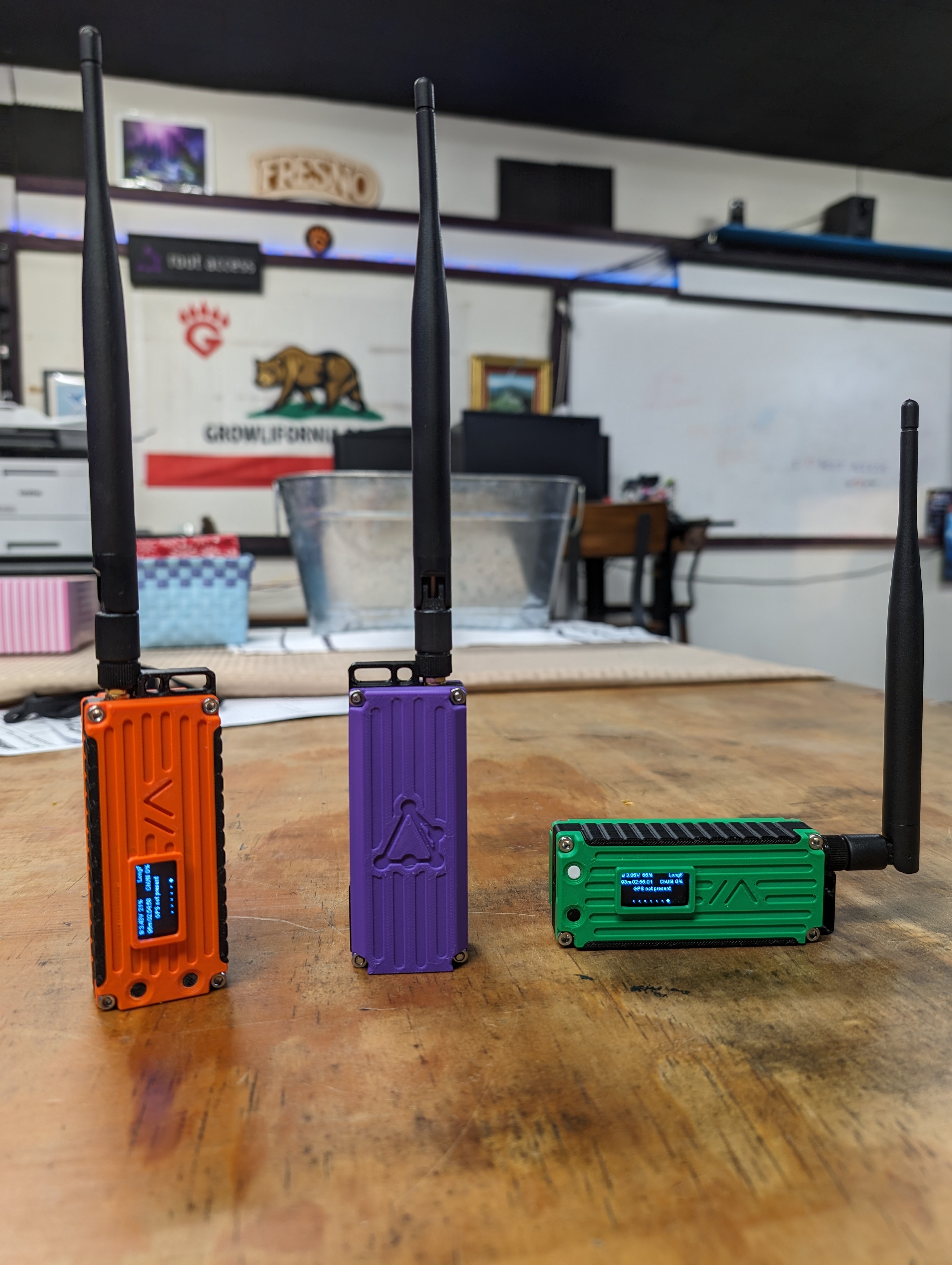
Examples of Meshtastic nodes built and used by Root Access members.